Best AI Tools for Freelance Video Editors in 2026: Descript, CapCut and More
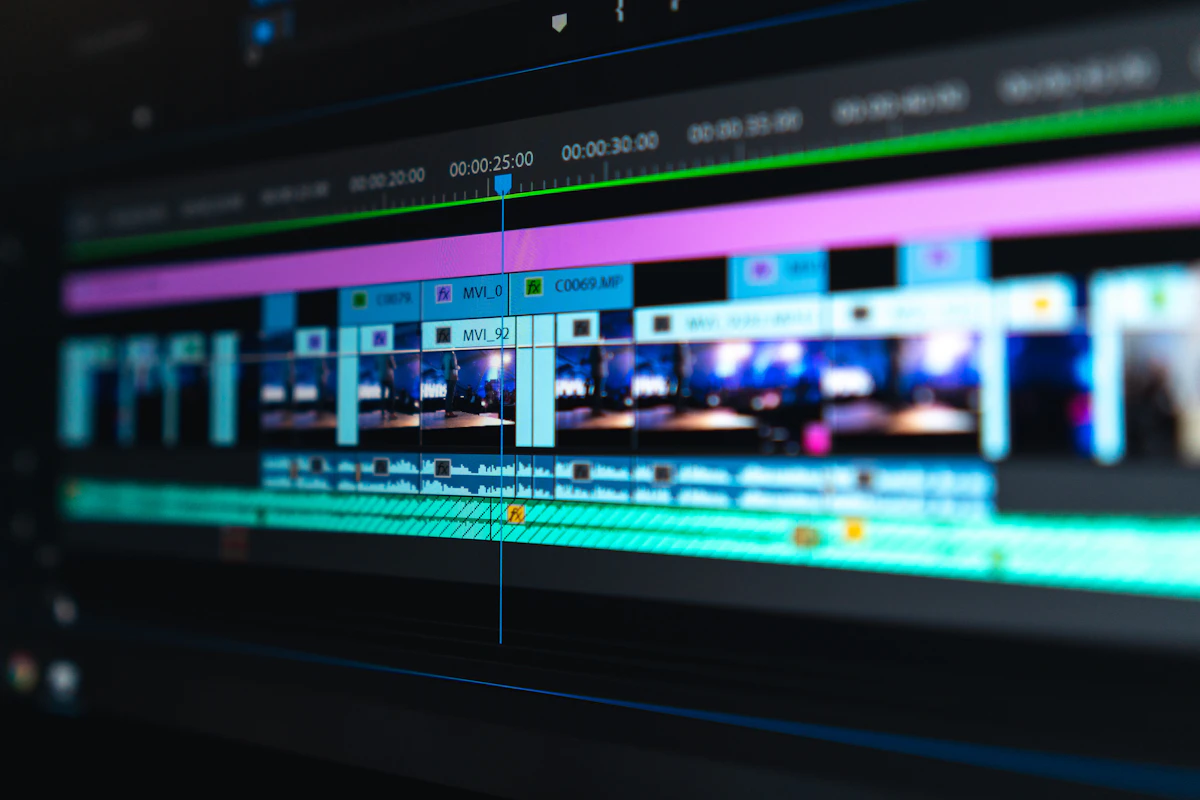
- Primary Signal: Best AI Tools for Freelance Video Editors in 2026: Descript, CapCut and More
- Overview: The best AI tools for freelance video editors in 2026 speed up rough cuts, captions, cleanup and client review. Here is a practical stack for solo editors who bill by the project, ...
- Verification: Analyzed and compiled by FreeRich AI Hub editorial monitoring desk.
Freelance video editors do not get paid for the hours they spend scrubbing timelines. They get paid for finished videos delivered on time. That is why AI editing tools have become the quiet advantage of solo editors in 2026: the right stack can cut a four-hour rough cut down to ninety minutes, and the saved hours go straight into taking on more clients or simply finishing the working day earlier. The trick is picking tools that speed up real work instead of adding another subscription to the pile.
Start With Transcript-Based Editing
Descript remains the most useful AI tool for talking-head and course video. It turns footage into a transcript, and deleting a sentence in the text deletes it from the video. For freelancers cutting testimonials, coaching videos, YouTube explainers or podcast episodes, that single feature is worth more than a dozen gimmicks. A rough cut that used to take an afternoon now takes under an hour, and client revisions become simple: the client highlights a sentence, you delete it, and the edit is done. Descript starts free with limited minutes and paid plans begin around $12 to $24 a month, which most editors recover from a single project.
Captions, Cleanup and Short-Form Cuts
CapCut is the workhorse for social cuts. Its auto-captions are accurate in dozens of languages, background removal is one click, and the same project syncs between phone and desktop. For Reels, TikToks and Shorts it is hard to beat, and the free tier is generous enough that many freelancers never pay. For long-form repurposing, OpusClip watches a full video and pulls out vertical clip candidates with hooks and captions, which is ideal when a client wants ten Shorts from one webinar. Inside the main editor, DaVinci Resolve Studio adds AI voice isolation, Magic Mask and Smart Reframe for a one-time $295, while Premiere Pro bundles speech-to-text, auto-reframe and object masking into its subscription. Pick the tool that matches the footage you actually cut, not the one with the longest feature list.
Client Review and the Paperwork Around the Edit
The edit itself is only half the job. Frame.io, or any review-link tool, lets clients leave time-stamped comments on the exact frame, which ends the era of vague email feedback like fix the middle bit. For the business side, a chat model such as Claude or ChatGPT drafts briefs, shot lists, chapter titles and client emails in minutes, and a thin Make or Zapier layer can ping you when a client uploads footage or approves a cut. The pattern that works for most solo editors is simple: one transcript editor for talking heads, one fast social editor for short form, one review tool for feedback, and automation only for notifications and paperwork. Anything more is overhead. Start with the free tiers, measure how many hours each tool actually saves per project, and keep only the ones that pay for themselves.
How to Choose Your Stack
Before buying anything, list the five jobs you repeat on every project: rough cut, cleanup, captions, repurposing and review. Assign one tool to each job and nothing else. If a tool does not save at least an hour a week, cancel it. Freelance editing is a margins business, and the editors who earn the most in 2026 are not the ones with the biggest tool stack. They are the ones who finish faster, revise less, and spend the saved time finding the next client. Start this week: trial Descript and CapCut on one real project, time the rough cut, and compare it with your usual workflow before you pay for anything.
More from FreeRich AI Hub