Best AI Tools for Freelance Graphic Designers in 2026
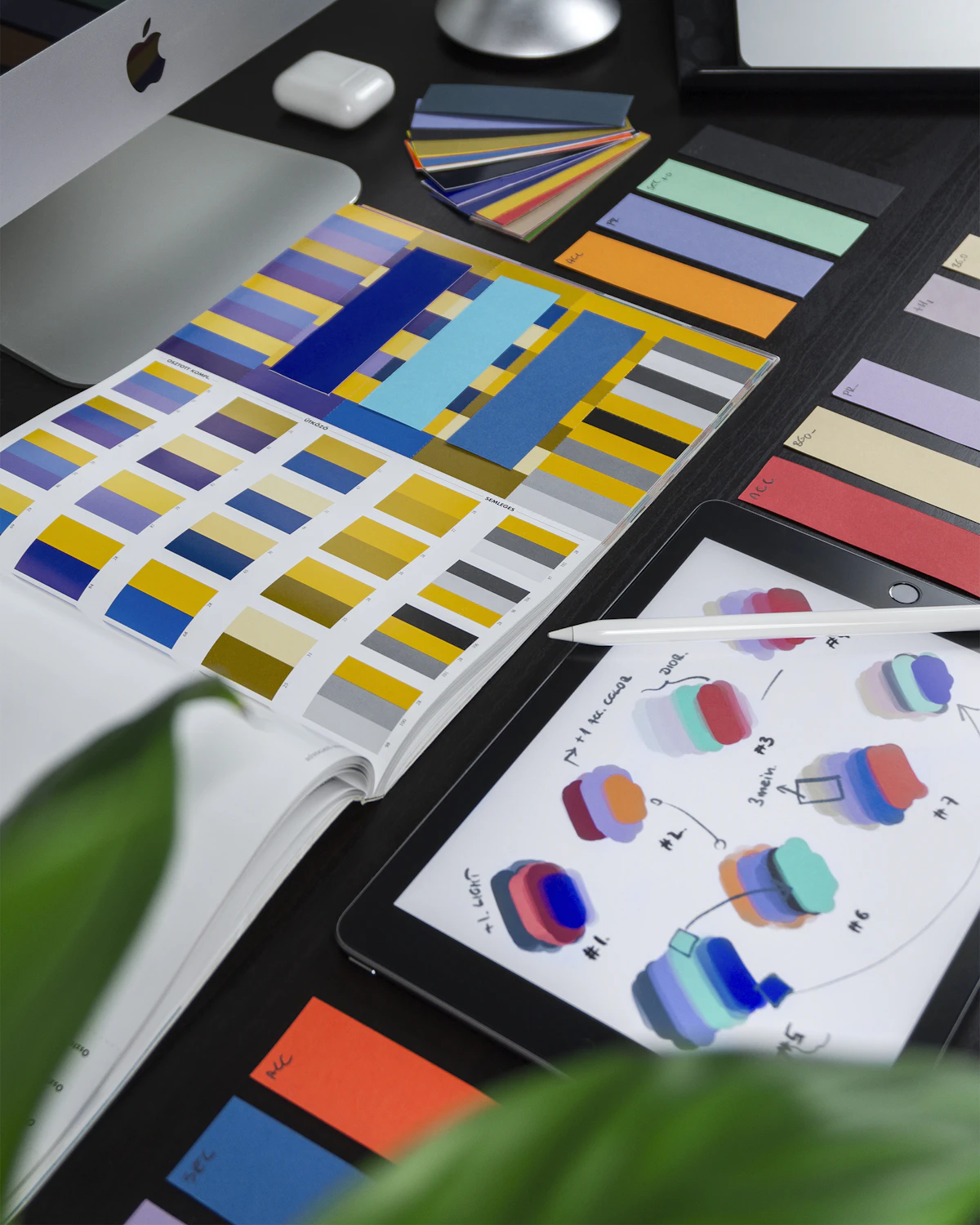
- Primary Signal: Best AI Tools for Freelance Graphic Designers in 2026
- Overview: AI removes the repetitive work around design: concepts, background removal, resizing and variations. These six tools cover the full workflow, from Midjourney to Canva and Adobe Fir...
- Verification: Analyzed and compiled by FreeRich AI Hub editorial monitoring desk.
The best AI tools for freelance graphic designers in 2026 do not replace your eye for design, they remove the repetitive work around it: generating first concepts, removing backgrounds, resizing for every platform, and creating variations a client can choose from. The designers who earn the most from AI are not the ones who let a tool design for them, they are the ones who use AI to produce ten options in the time it used to take to produce two, then apply their judgement to pick and refine the best one. The six tools below cover concept generation, image editing, layout and client presentation.
Midjourney remains the best AI image generator for designers, because it produces the most polished, art-directed results, especially for mood boards, concept art and brand imagery. Its prompts for designers are specific: include the medium, the style, the colour palette and the mood, and iterate with variations until the concept is right. Midjourney costs from 10 dollars a month and has no free tier, so it is an investment, but one that pays for itself if you use it for client concepts. Ideogram is the best free alternative, and it is the only major generator that renders text reliably inside images, which makes it the right tool for logos, posters, social media graphics and anything where the words matter. Use Midjourney for mood and concept, Ideogram for anything with text, and always treat the output as a starting point, not a finished design.
Canva Pro's Magic Studio is the most practical AI tool for working designers: Magic Design turns a brief into a full layout, Background Remover cuts out subjects in one click, and Magic Expand extends an image to fit any format. Canva Pro costs 12.99 dollars a month, and the free tier includes basic Magic Write for text. Adobe Firefly is the best choice if you already work in Photoshop or Illustrator, because it is built into the tools you use: Generative Fill extends and edits images inside Photoshop, Text to Image generates assets inside Illustrator, and the commercial safety of Firefly, trained only on licensed content, means you can use the output for client work without legal worry. Firefly is included in Creative Cloud plans, so there is no extra cost if you already subscribe.
Remove.bg is the fastest background remover available, free for low-resolution images and a few dollars a month for high-resolution, and it integrates with Canva, Photoshop and Figma. Relume is the best AI tool for web design: it generates a sitemap and wireframe from a text prompt, then exports the design to Figma or Webflow, which cuts the early stages of a web project from days to hours. For client presentations, Gamma turns a brief into a polished deck in minutes, and it is free to start. The pattern across all these tools is the same: AI handles the first 70 percent, the mechanical work of generating, removing, resizing and laying out, and the designer handles the last 30 percent, the judgement, taste and client understanding that no tool can replicate.
AI changes how designers should price their work, because the time per deliverable drops while the value stays the same. The mistake is to charge less because AI made the work faster: clients pay for the result, not the hours, and a logo that took you two hours with AI is worth the same as a logo that took you eight hours by hand. Price by project and by value, not by the hour, and use the time AI saves you to take on more clients or to spend longer on the refinement that makes your work stand out. Be transparent with clients about using AI as a tool, the same way you would mention using Photoshop, and keep records of your prompts and iterations, because the creative decisions you make are what make the work yours.
What is the best AI tool for freelance graphic designers? Midjourney is best for concept generation, Ideogram is best for text-based design, Canva Magic Studio is best for everyday work, and Adobe Firefly is best for Creative Cloud users. Can AI replace a graphic designer? No, AI generates options and handles repetitive tasks, but the judgement, taste and client understanding that make good design are human skills. Is it legal to use AI images for client work? Adobe Firefly is trained on licensed content and is commercially safe, while other tools vary, so check the licence terms before delivering client work. How should designers price AI-assisted work? Price by project and value, not by hours, because clients pay for the result, and AI makes the result faster without making it less valuable.
More from FreeRich AI Hub